Santa came.
The camera saw him.
Send one photo of your living room. We film a 10‑second night‑camera clip of Santa leaving presents under your tree, ready for Christmas morning.
One night, three moments
Dec 24 – 2510 seconds of footageMade from your photo
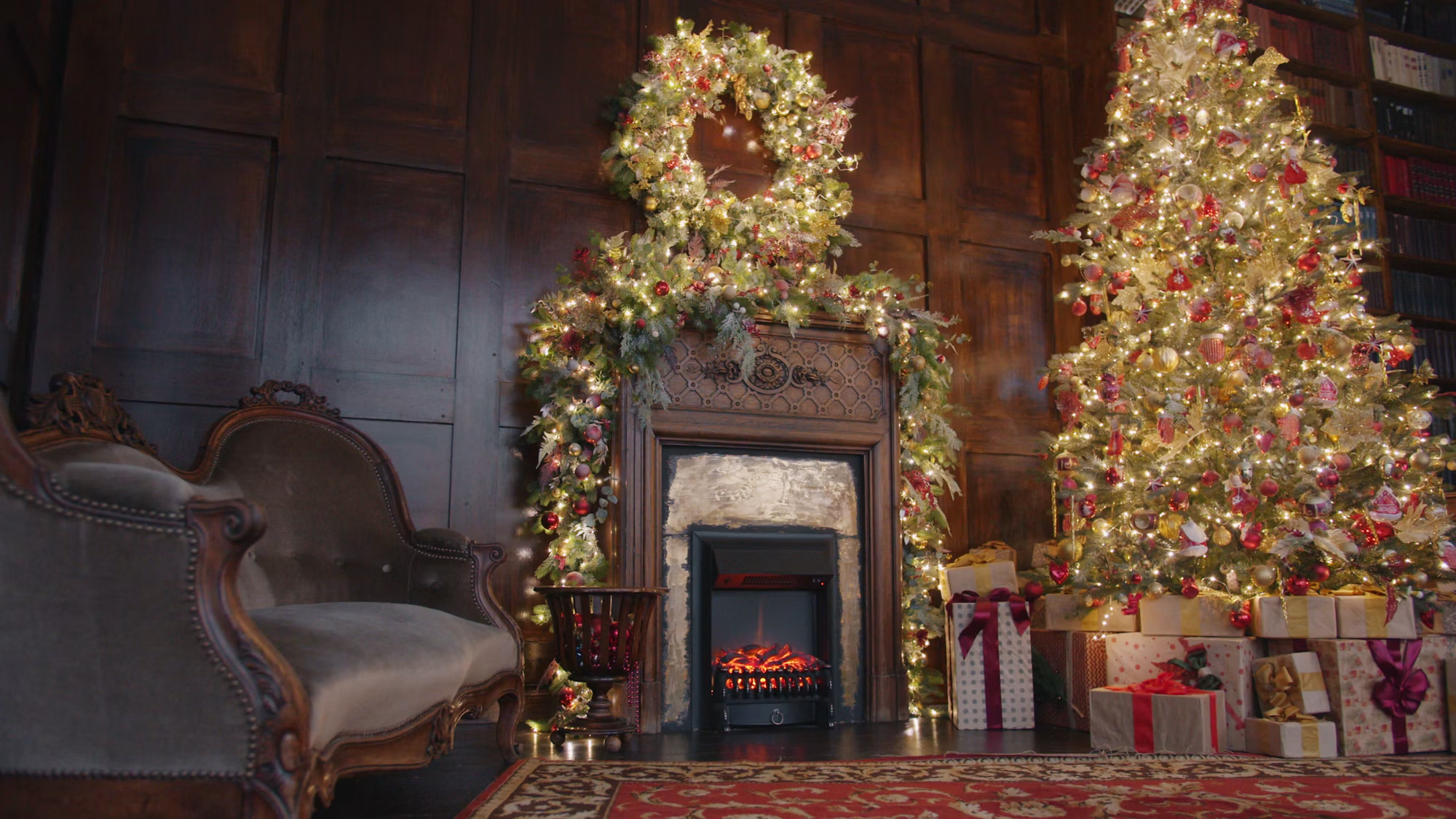

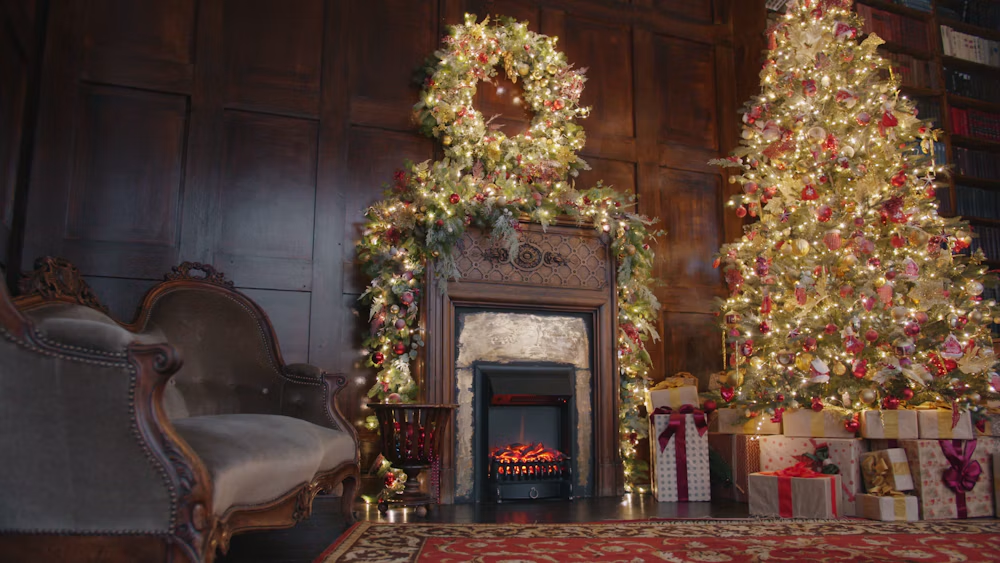
Your tree, your sofa, your fireplace. Santa walks into the room you photographed, kneels by the tree, glances at the camera, and is gone.
How it works
Choose your room photo
Upload an empty room and see how it looks in night vision.
We film the visit
Pick Santa or Elf. Once you confirm, AI places the visitor in your room.
Show the kids
Download the finished clip and play it back together on Christmas morning.
For a believable clip
- Frame the room from a high corner, like a home security camera.
- For Santa, leave a clear path from the doorway to the tree or fireplace.
- For the elf, show a shelf and some space below it. Keep people and pets out of frame.
Frequently asked questions
Is this real footage of Santa in my house?
It’s AI-made family fun. The camera preview shows your own photo with a night-vision filter. AI adds the visitor when you create the video, so details and movement can vary.
How long will my video take?
Your finished clip is about 10 seconds long. Making it takes longer and depends on the generation queue. You can return to this page, sign in with the same account and check your saved video.
Who can see my room photo, and can I delete it?
Choosing a photo previews it on your device. Continuing for a quote uploads it to private storage, and creating the clip sends it for AI processing. Clear this site’s browser data to remove your local draft. Contact support to request deletion of uploaded photos or videos.
What happens if a video fails or I need a refund?
A confirmed technical failure returns reserved credits to your balance. If a task is delayed, check its status before starting another. For payment refunds or a problem with a delivered file, contact support with your order or task reference. See the refund policy below.
Can I save a Santa doorbell camera video on my phone?
Yes. Open your finished video on your phone or computer and download the original MP4. You can show it to the kids or share the saved file. Supported browsers can also save a copy with the camera timestamp and recording light.
How do I make an elf caught on camera clip?
Select Elf and choose a photo with a shelf in view. A small toy elf climbs down, peeks around with a candy cane, then freezes back in place.